💡 Troubleshooting Payment Issues
Having trouble completing your checkout? Don't worry—most payment issues can be resolved quickly. Below are the common reasons for payment failures and easy steps to fix them so you can successfully complete your order.
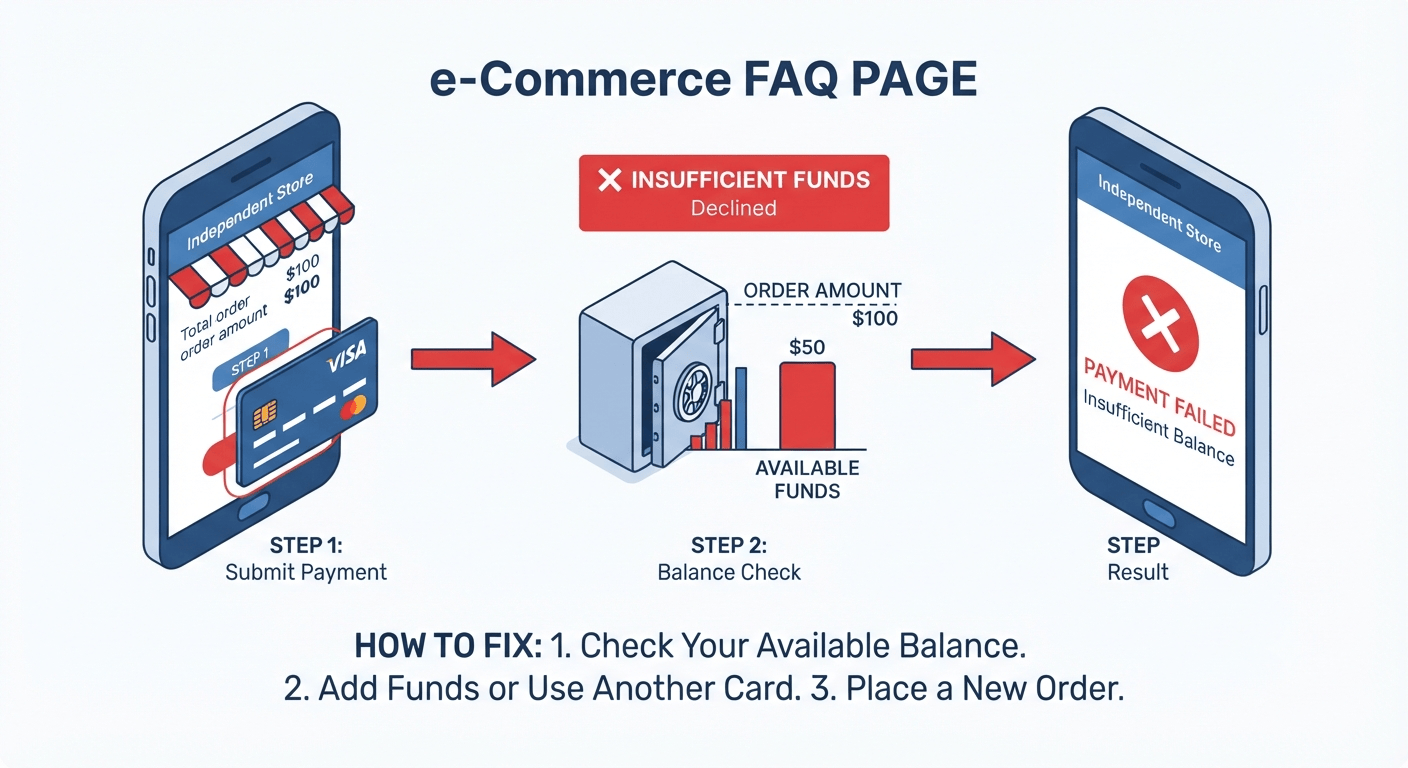
1. Insufficient Available Funds
If your payment failed due to insufficient funds, it means your card-issuing bank declined the transaction because the available balance or credit limit on your card is lower than the total order amount.
🔍 Why This Happens
-
Low Account Balance or Credit Limit: The available funds in your debit account or remaining credit line cannot cover the purchase price, shipping, or applicable taxes.
-
Pending Transactions: Other recent purchases or pending holds may be temporarily tying up your available balance.
✅ How to Fix It
-
Check Your Balance: Log in to your mobile banking app or online portal to verify your current available funds.
-
Use an Alternative Card: If needed, switch to another debit or credit card with sufficient balance.
-
Place a New Order: Return to the checkout page and submit a fresh order once your funds or card status are updated.
2. Bank Security Review / Suspected Fraud / Payment Declined
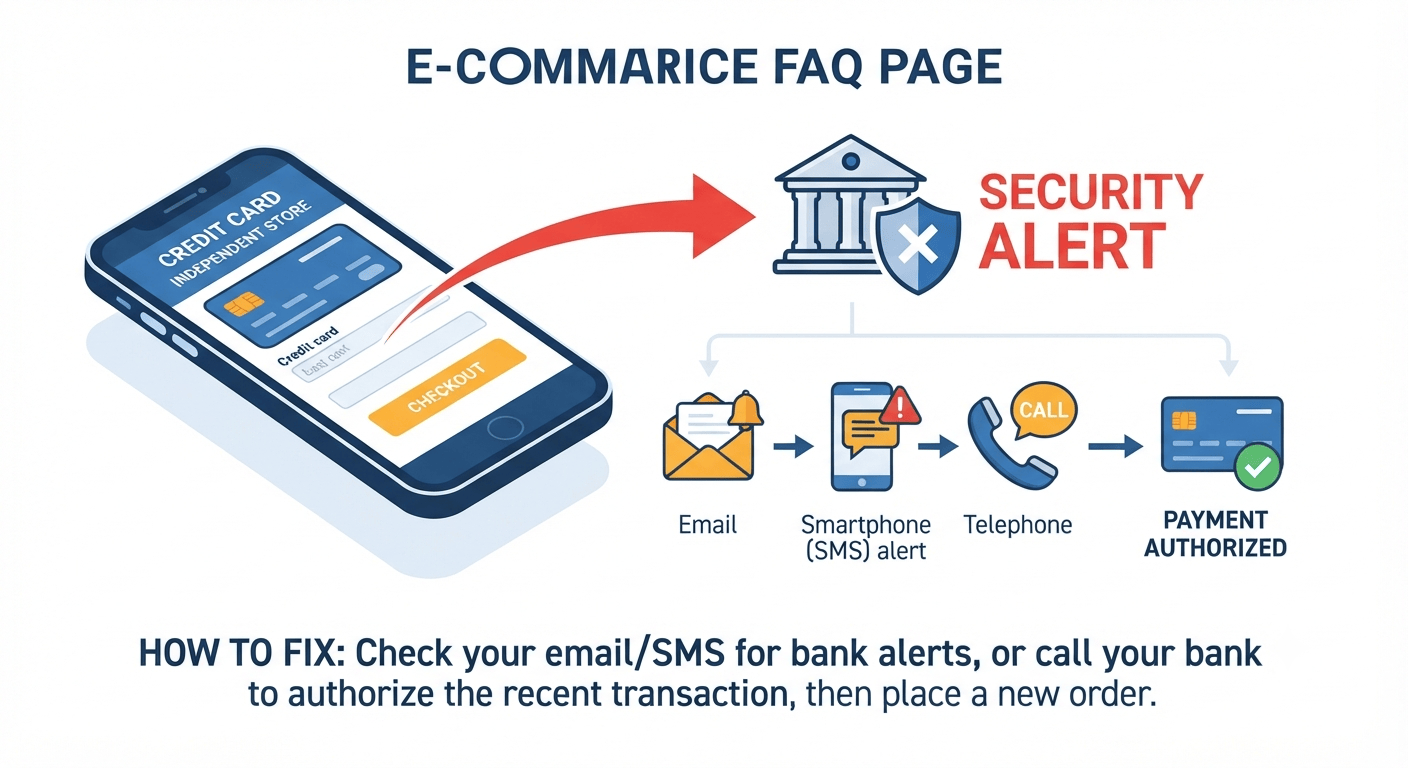
If your payment was declined due to bank processing restrictions or suspected fraud flags, it is usually because your card-issuing bank has triggered an automated security safeguard to protect your account during cross-border shopping.
🔍 Why This Happens
-
Cross-Border Security Trigger: Banks often flag international online purchases or unfamiliar merchant locations to prevent unauthorized use.
-
Pending Security Verification: Your bank may have attempted to reach you via SMS, email, or an automated phone call to verify if you authorized this purchase. If the alert was missed or ignored, the transaction is temporarily blocked.
✅ How to Fix It
-
Check Your Messages: Look through your text messages, email inbox, or missed calls for any fraud-prevention alerts or security verification requests from your bank.
-
Authorize the Transaction: If you find an alert, follow the bank's instructions to confirm that you authorized the purchase.
-
Contact Your Bank: If you don't see a message, call the customer service number on the back of your card. Tell your bank that you are trying to make a legitimate international online purchase and ask them to whitelist or release the recent blocked transaction.
-
Place a New Order: Once your bank confirms the restriction has been lifted, return to the store and place a fresh order.
3. 3DS Authentication Failed
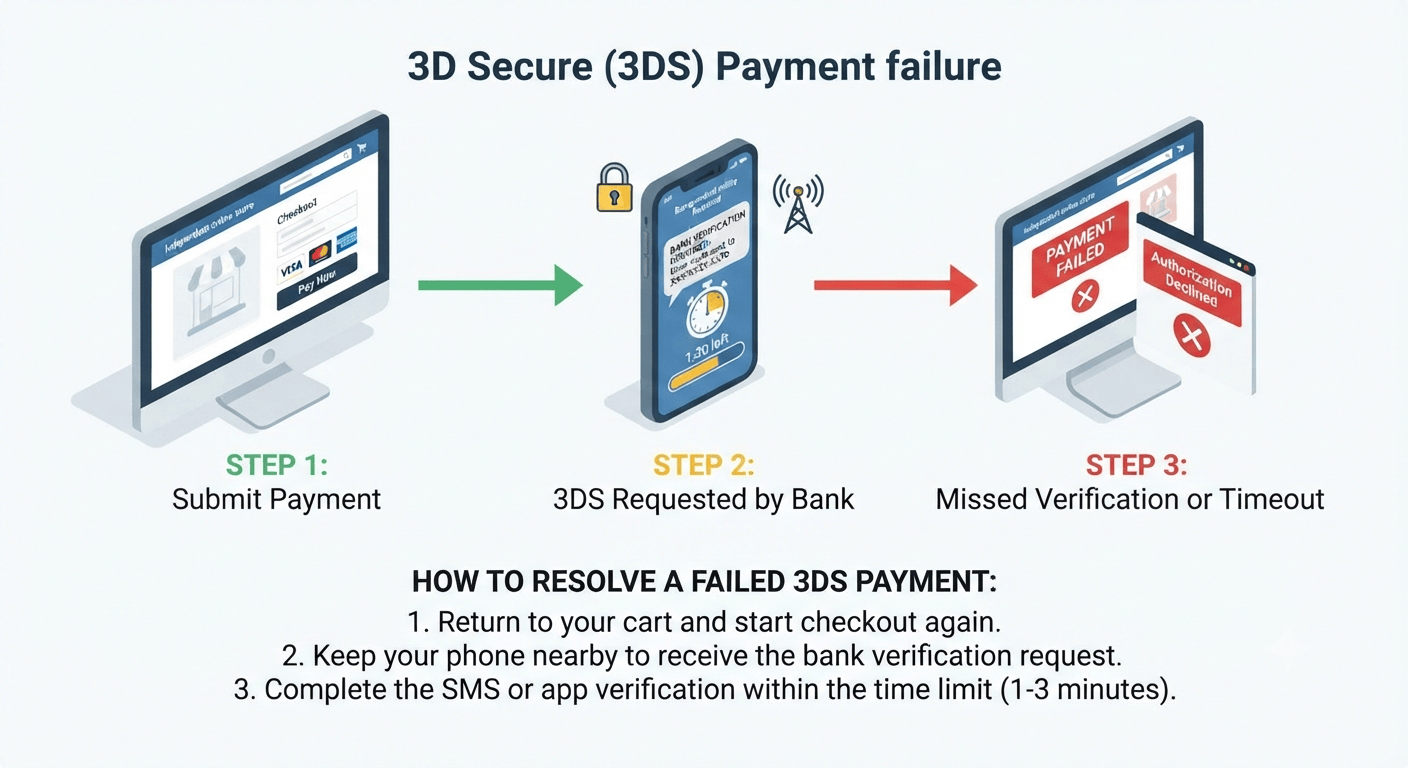
If your payment failed, it was likely due to the 3D Secure (3DS) verification process required by your bank.
🔍 What is 3DS?
3DS is a security protocol by card issuers (VISA, Mastercard, Amex) to prevent fraud by verifying your identity via SMS code, bank app notification, or biometric check during checkout.
⚠️ Why Payments Fail
The transaction is declined if you missed the prompt, closed the verification window, or timed out.
✅ How to Fix It
-
Place a New Order: Return to checkout and create a new order.
-
Complete Verification Promptly: Approve the SMS code or bank notification within 1-3 minutes.
4. Credit Issuer Unavailable / Common Input Errors
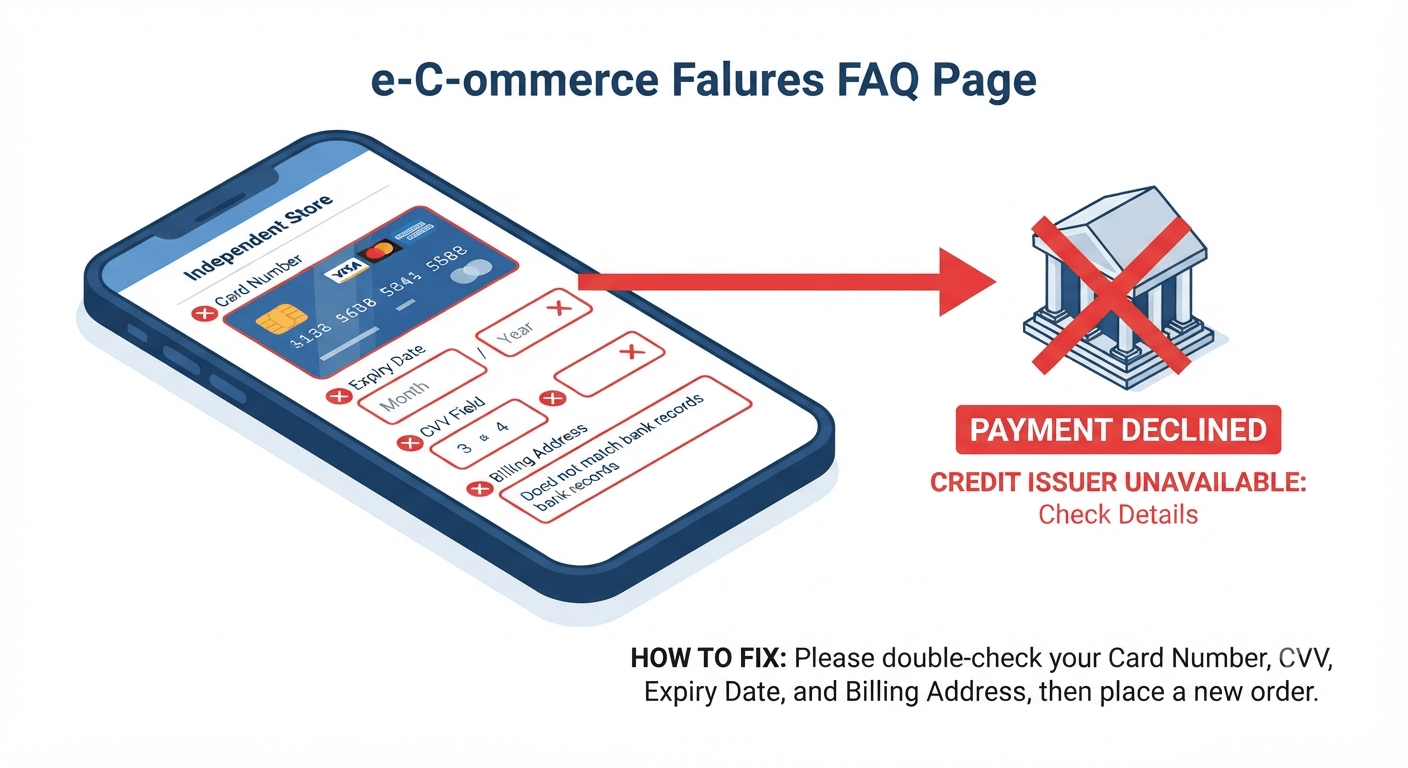
If your transaction could not be processed due to card details or issuer availability, it is usually caused by mismatched or incorrect information entered at checkout.
🔍 Common Reasons for Payment Failure
-
Incorrect CVV: The 3-digit security code (or 4-digit code for Amex) on the back/front of your card was entered incorrectly.
-
Incorrect Expiry Date: The expiration month or year does not match your card.
-
Incorrect Card Number: A digit in the credit card number was mistyped.
-
Billing Information Mismatch: The billing address or zip code entered does not match the address registered with your bank.
-
Credit Issuer Unavailable: The card-issuing bank's server is temporarily down or declining the request due to connectivity issues.
✅ How to Fix It
Note: Because these errors prevent the transaction from being authorized, orders cannot be modified once declined.
-
Double-Check Your Information: Carefully review your card number, CVV, expiry date, and billing address.
-
Place a New Order: Return to the checkout page, enter the corrected details, and submit a fresh order.